
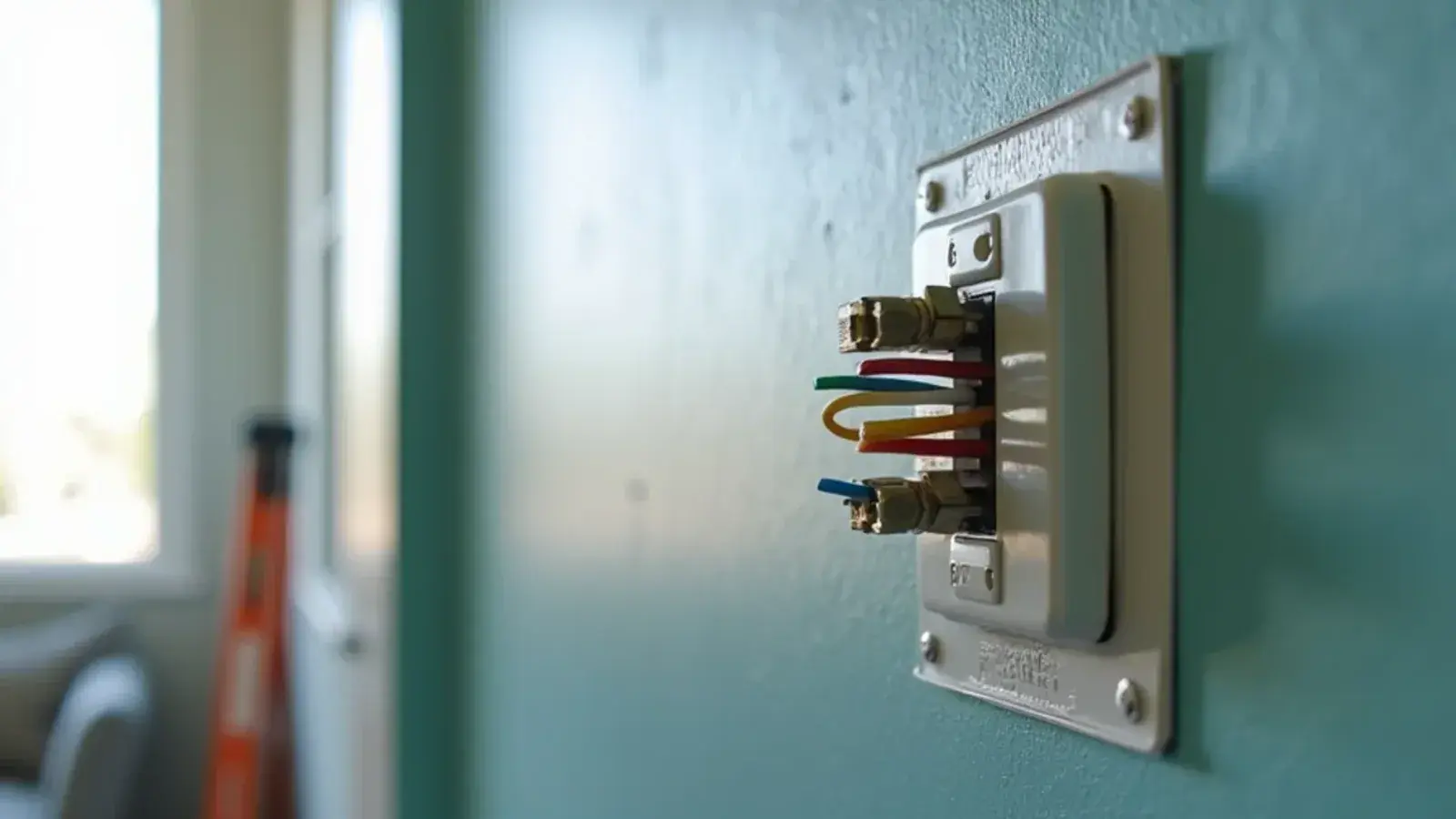
When a smart thermostat is not cooling, the cause is usually wiring or setup, not the AC: a missing C wire, a loose Y wire, a blown control board fuse, a removed Rc/Rh jumper, or a wrong heat pump setting. Turn the power off, check those in that order, and call if the outdoor unit still won't start.
A smart thermostat not cooling is a common call after a weekend install. The old thermostat came off the wall, the new one went up, and now the AC won't come on, the screen goes dark, or the system shuts off and starts over every few minutes. The new thermostat usually isn't getting the power or the signals it needs.
Below are the fixes that solve most of these calls, in the order a technician would check them. Before you touch any wires, turn off power to the system at the breaker, both the indoor air handler and the outdoor unit.
How thermostat wiring actually works
Your thermostat doesn't carry high voltage. It runs on 24 volts from a small transformer inside the air handler, and each wire carries one request.
- R (red): the 24-volt power source.
- Y (yellow): call for cooling, which starts the outdoor unit.
- G (green): call for the indoor fan.
- W (white): call for heat, such as heat strips or a furnace.
- C (often blue or black): the common wire, which completes the circuit so the thermostat has steady power.
- O/B (often orange): on heat pumps, controls the reversing valve.
Old basic thermostats ran on batteries and only needed R, Y, G and W. Smart thermostats keep Wi-Fi radios and screens powered all the time, so they need more power, and that's where most trouble starts.
Fix one: the missing C wire
A thermostat c wire problem is the top cause of a blank screen, random reboots, Wi-Fi dropping out and "low power" warnings.
Some thermostats try to work without a C wire by sipping power through the other wires, sometimes called power stealing or power sharing. On some systems that works. On others it causes the thermostat to drain its battery, flicker, or make the AC click on and off.
What to check:
- Pull the thermostat off its base and look at the cable behind the wall. Is there an unused wire tucked back into the hole?
- If so, it may already be connected at the air handler, or it may need to be connected there. It has to land on the C terminal at both ends.
- If there's no spare wire, options include an adapter kit supplied with some thermostats, or pulling a new cable.
Wiring at the air handler means working inside the equipment. If you aren't comfortable opening the panel, this is a good place to stop and call.
Fix two: a blank screen after install
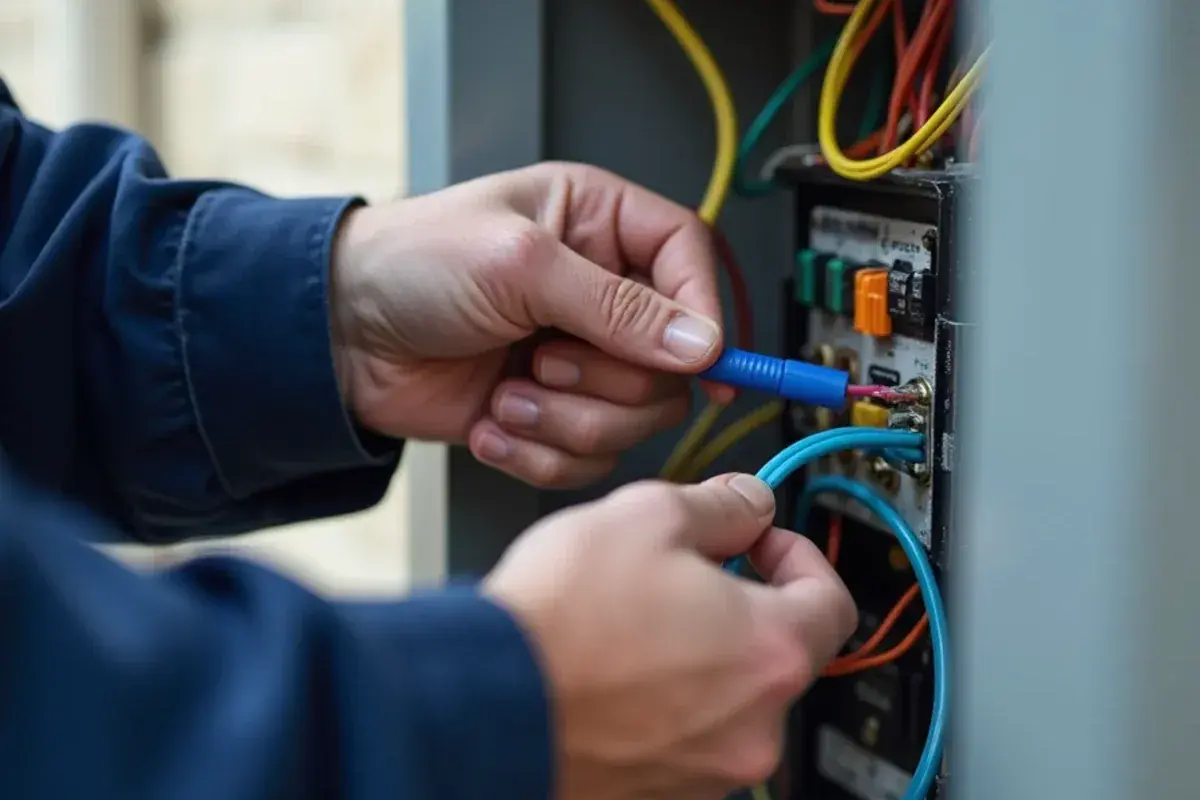
A thermostat blank screen that appears right after install usually means one of three things:
- Power is off. The breaker or the service switch at the air handler is off, or a door safety switch isn't pressed because the panel wasn't closed fully.
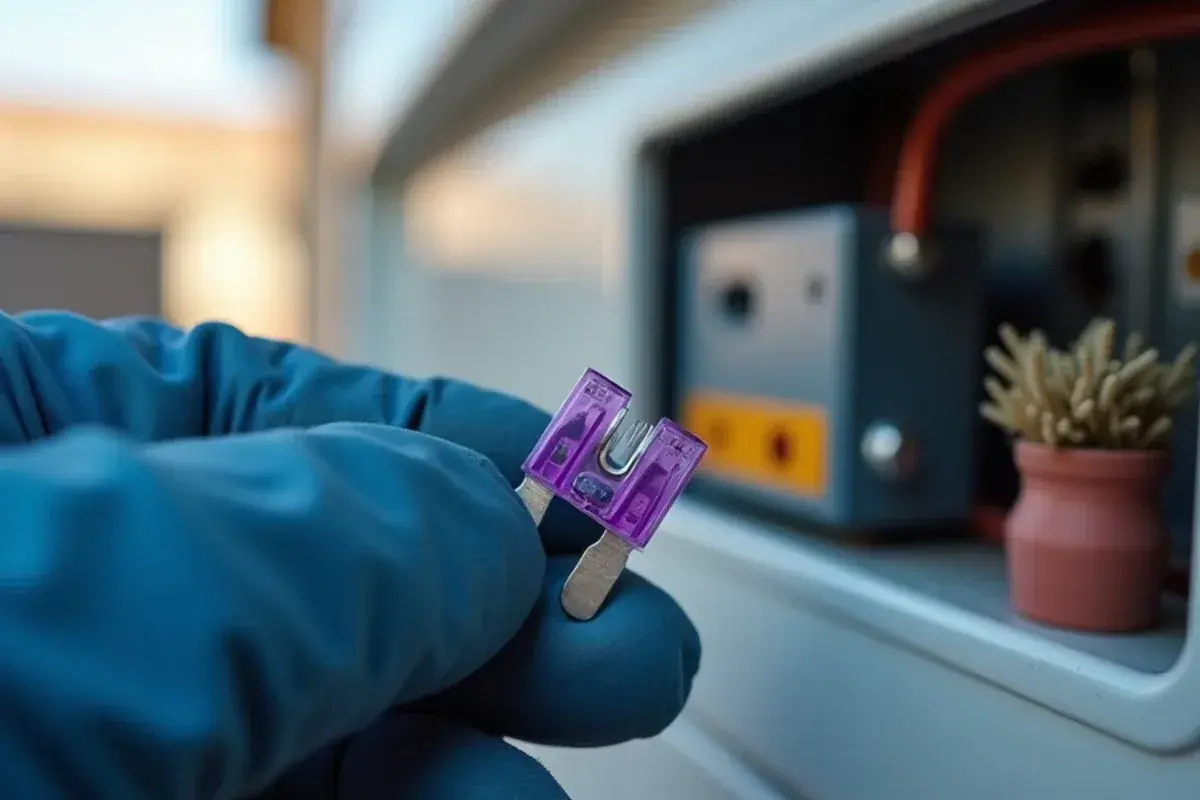
- The control board fuse blew. If the R wire touched another wire or the metal box while power was on, it can blow the small fuse on the air handler board. Replacing that fuse fixes it, but the short that caused it has to be found first.
- A loose wire. Push-in terminals need the bare copper fully seated. A wire that looks connected but isn't will leave the thermostat dead.
Fix three: thermostat short cycling
Short cycling means the AC runs for a few minutes, shuts off, then starts again. After a thermostat change, the usual causes are:
- A missing Rc/Rh jumper. Many thermostats have separate R terminals for cooling and heating. On a single-transformer system, which describes most Valley homes, the two must be joined, either by the jumper on the base or a setting in the app. Without it, the cooling side may get no power.
- Power stealing on a system that doesn't tolerate it, causing the thermostat to reboot.
- Poor placement, such as a wall that gets afternoon sun, sits near a supply vent or backs up to a kitchen.
- Cycle settings set too aggressively in the app. Many thermostats let you choose how often the system can cycle.
Short cycling after a change can also be a coincidence. A dirty coil, low refrigerant or a failing part on the outdoor unit will short cycle no matter which thermostat is on the wall.
Fix four: settings that block cooling
Wi-Fi thermostat problems aren't always wires. Check these in the app or on the screen:
- System type. A heat pump set up as a conventional system, or the reverse, can heat when you ask for cooling.
- O/B setting. Most heat pumps energize O for cooling. A few brands use B in heating instead. If this is set wrong, cooling and heating swap.
- Compressor protection delay. Most smart thermostats wait several minutes before restarting the outdoor unit. A flashing "cool" icon or "waiting" message is normal.
- Eco, away or geofencing modes that raise the set point when the app thinks no one is home.
- Schedules that override your manual change.
People searching "nest not cooling" often find the issue is an eco temperature, a schedule or a power-sharing problem rather than a broken thermostat. The same is true of most other brands.
Symptom and fix at a glance
| What you see | Most likely cause | First thing to try |
|---|---|---|
| Blank screen | Tripped breaker, blown board fuse, loose R wire | Check breakers, door switch and the R connection |
| Reboots or Wi-Fi drops | No C wire, power stealing | Connect a C wire or adapter |
| Fan runs, no cold air | Y wire loose, outdoor unit off, AC fault | Check Y at both ends, check outdoor breaker |
| Heats instead of cools | Wrong O/B or system type setting | Correct the heat pump settings |
| Starts and stops every few minutes | Power issues, placement, cycle settings | Fix power, move or shield the thermostat |
| Nothing happens, then starts later | Compressor delay | Wait five minutes before troubleshooting |
How does a technician tell a thermostat fault from an AC fault?
The fastest way to stop guessing is to split the system in half: is the thermostat sending the call, and is the equipment answering it? A technician works through it with a meter, not by swapping wires.
- Voltage at the base. With power on, the meter should read roughly 24 to 28 volts AC between R and C. No reading points to the transformer, the board fuse, a door switch or a tripped float switch, all of which sit before the thermostat.
- The call itself. With the thermostat asking for cooling, voltage should appear between Y and C, and between G and C for the fan. If it does, the thermostat is doing its job.
- The call at the air handler and outdoor unit. The same Y signal is checked at the control board and then at the contactor coil outside. A break between the two usually means a damaged wire run in the attic or wall, sometimes chewed or pinched.
- A bypass test. At the control board, a technician can briefly jump R to Y and G to start cooling without the thermostat. If the system runs that way, the problem is in the thermostat or its settings. If it does not, the fault is in the equipment.
- The float switch and drain. A float switch wired into the Y or R circuit will break the call when the pan fills, so it gets checked on any no-cool thermostat call.
Some honest trade-offs come up along the way. A C-wire adapter is quick, but it adds a module in the air handler; when the wall cable already has a spare conductor, using it is simpler and more reliable. Pulling a new cable through a finished block wall is real work, and in that case the adapter wins. On multi-stage or zoned systems, a cheaper smart thermostat that lacks the needed terminals can force compromises in comfort, so matching the thermostat to the equipment matters more than the app features.
The line for owner work sits at the thermostat base. Inside the air handler, the low-voltage board shares a cabinet with line-voltage wiring and the blower, so opening that panel belongs to someone who works on it every day.
When the thermostat isn't the problem
In the Valley, a lot of "thermostat" problems turn out to be the AC protecting itself. Two common ones:
- A float switch in the condensate drain pan (the tray that catches water from the indoor coil) cuts power to cooling when water backs up. A clogged drain can make the thermostat look dead or keep the AC from starting.
- The outdoor unit may have a failed capacitor or contactor. If the indoor fan runs but the outdoor unit doesn't, the thermostat did its job.
In that case, an AC repair visit gets to the actual cause.
Getting help with a new install
Larger homes with multiple systems or zoning, common around Sharyland and Palmhurst, add another layer: zone panels, multiple thermostats and multi-stage equipment that has to be matched in the settings. If a new thermostat isn't playing nicely with that kind of setup, our smart thermostat service covers wiring checks, C-wire installs and setup for your specific system.
Before you call
Write down the wire colors and the terminals they landed on at both the old and new thermostat, and take a photo of the wiring at the air handler if it's safe to look. Check breakers, the drain pan and the outdoor unit. If the screen is still blank, the board fuse blew, or the AC runs but blows warm air, turn the system off and get it checked rather than swapping wires by trial and error. Call 956 Multi Service at (213) 423-7827 with the thermostat model and what the screen shows, and we will tell you whether it sounds like wiring, settings or the AC itself.